Spend less time onboarding new employees with the unified communications (UC) access they need — from Cisco UCM to Webex or Microsoft Teams.
Template it once. Assign per user. Flow provisions everything.
Templates cover every communication tool a role or location requires — across Cisco UCM, Webex, Teams, Zoom, Genesys, and more. Templates can then be assigned individually or to an entire batch, with no re-entering the same details platform by platform.
Templatize
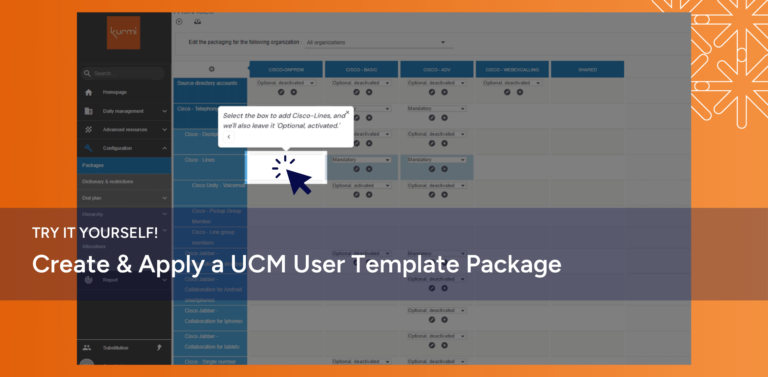
Build a Flow ‘Package’ that includes all features needed for a specific department, region, etc. and pre-define the settings for each.
Assign
Find users through the Active Directory integration or create a user within Flow—then apply the ‘Package’ that fits the individual’s needs.
Review
Confirm the newly provisioned user’s details in Flow, then they’re ready to use every assigned UC application — no separate sign-off for each platform.
USE CASE: MULTIPLE UC SYSTEMS
Provision users across every UC system in a few clicks.
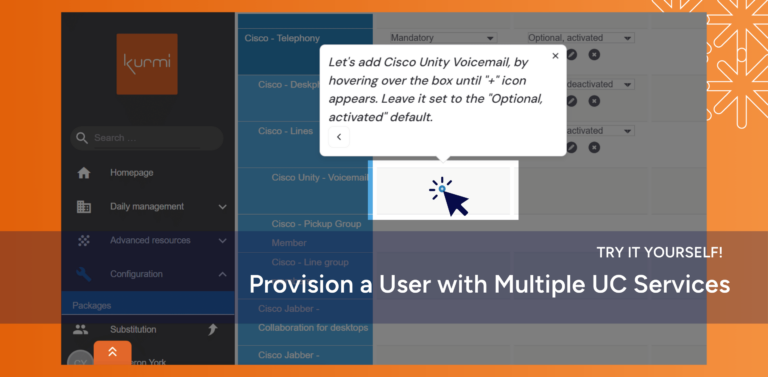
Giving employees access across your UC environment usually means switching between multiple admin platforms and manually configuring each one. Flow replaces that with “Packages” — reusable templates that define access once. Assign a Package to a user, and Flow provisions each system according to what’s in it.
Walk through the workflow in our interactive demo.
Provisioning a new user through Call Manager’s native portal requires tedious data entry and great attention to detail. Kurmi Flow reduces the number of fields to complete by 80%, shortening the amount of time and improving data accuracy.
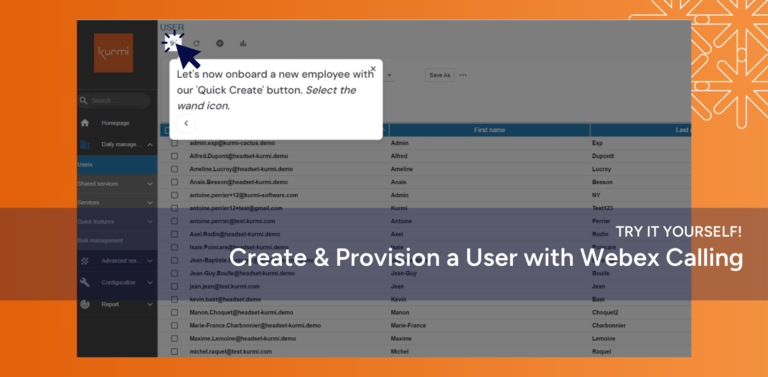
Assign Webex Calling licenses and phone numbers in one workflow..
Provisioning Webex Calling normally means assigning a license, provisioning a number, and enabling features as separate steps. Flow packages all three into a single assignment, so admins complete new-user setup in one action instead of three.
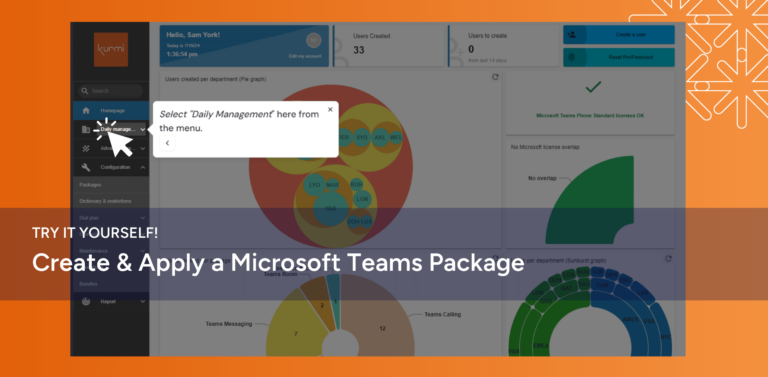
Assign Teams licenses and numbers without scripting.
Provisioning Microsoft Teams typically requires access to multiple Microsoft admin portals or PowerShell scripting to assign licenses and phone numbers correctly. Flow handles license assignment, number provisioning, and feature configuration through the same package-and-assign workflow used for every other UC platform.
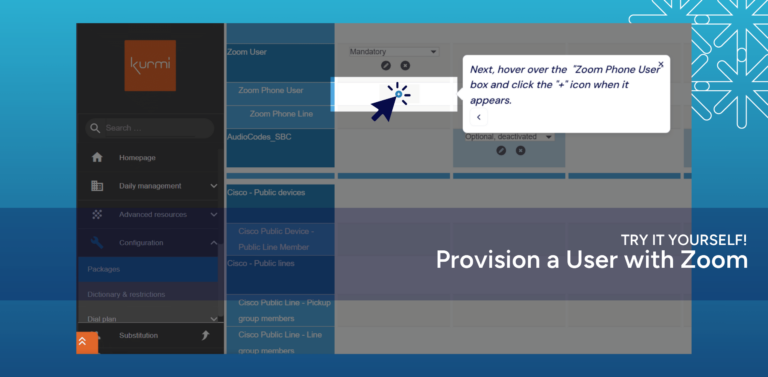
Provision Zoom Users from the same workflow as the rest of your UC stack.
Zoom provisioning usually sits outside your other UC administration — a separate tool, a separate process. With Kurmi Flow, it’s the same package-and-assign workflow you use for Cisco, Microsoft, and your contact center systems.